
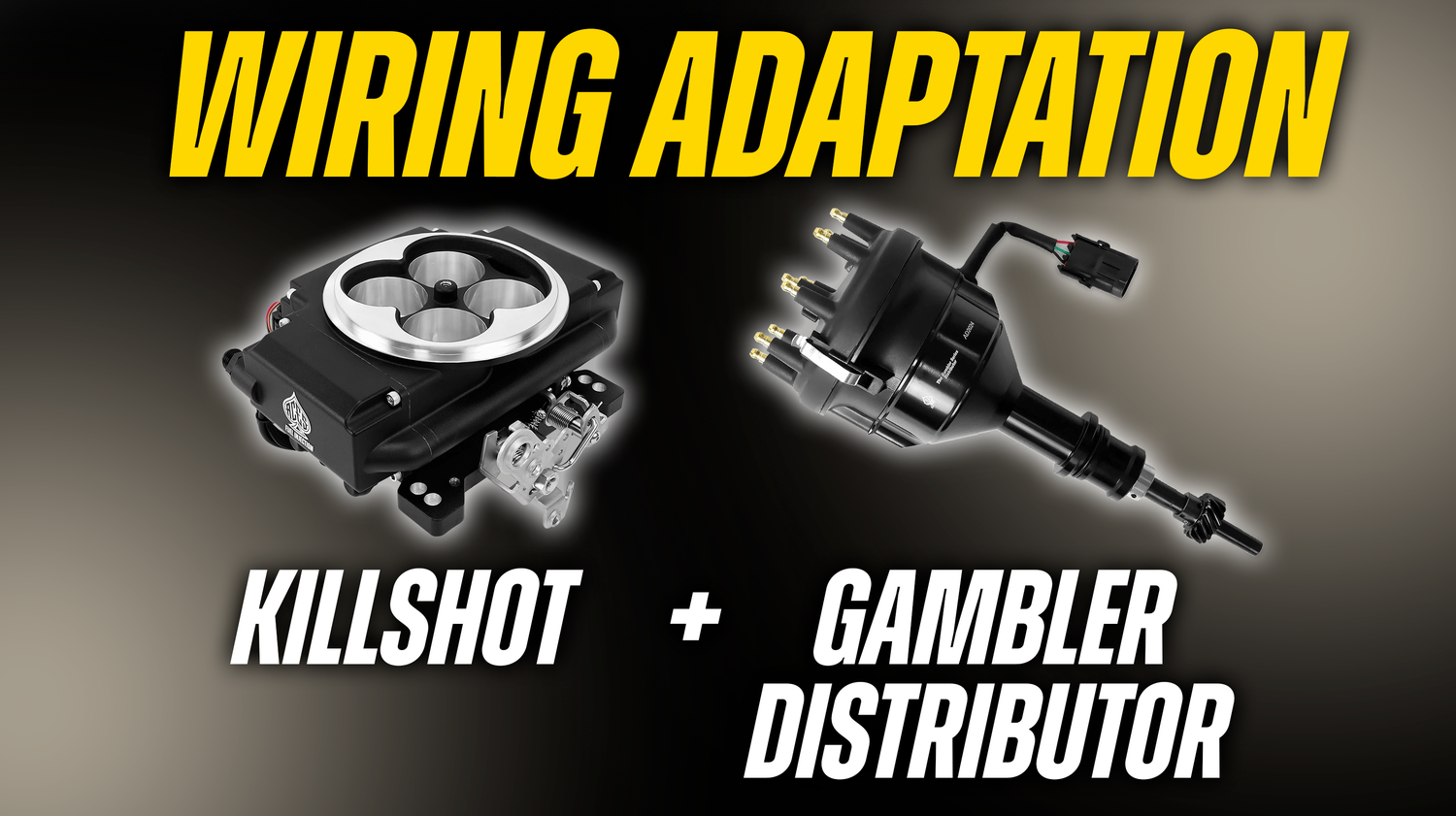
Happy late Tech Tuesday, Aces people. Chris just cooked up a little video tutorial about how the Gambler Hall-Effect Distributor can be connected to a Killshot EFI system with just a little wiring harness modification. In case you missed it, we’ll be going over the basics here. Let’s get started!
- Collect the needed items:
- Gambler Hall-Effect Distributor
- Gambler adapter harness (included with the distributor)
- Killshot Additional Wires sub-harness
- Wire cutters
- 3 crimp connectors
- Heat-shrink tubing
- Electrical tape
- Peel the sheathing back on the Gambler adapter harness, exposing the three wires.
- Cut the Gambler adapter harness down to a shorter length, if necessary.
- Line up the wires to be connected:
- Gambler adapter RED wire > VMAIN Killshot
- Gambler adapter BLACK wire > SENSOR GROUND Killshot
- Gambler adapter WHITE wire > TACH INPUT Killshot
- Strip back all the Killshot wires by about ¼ of an inch.
- Connect all wires using the crimp connectors and proper crimp technique.
- Ensure that the connections are sealed with heat-shrink tape and electrical tape, if necessary.
It’s that easy! The Gambler Distributor can now be installed and connected to the adapter harness at your convenience. When using the Aces Setup Wizard, be sure to select “CDI Box” as your ignition source to ensure that the distributor functions properly.
Remember that if any issues arise, you can contact Support here at AcesEFI.com.


Dejar un comentario
Este sitio está protegido por hCaptcha y se aplican la Política de privacidad de hCaptcha y los Términos del servicio.