

Hello Aces people, today we’re going to be covering an easy-to-miss step in the ECU setup process for multiport systems: MAP sensor selection.
Is your Aces system running rich or lean? Are you experiencing unexplained power loss, fuel smell, or exhaust smoke? If you’ve already troubleshot other potential problems, the issue may be incorrect MAP sensor selection.
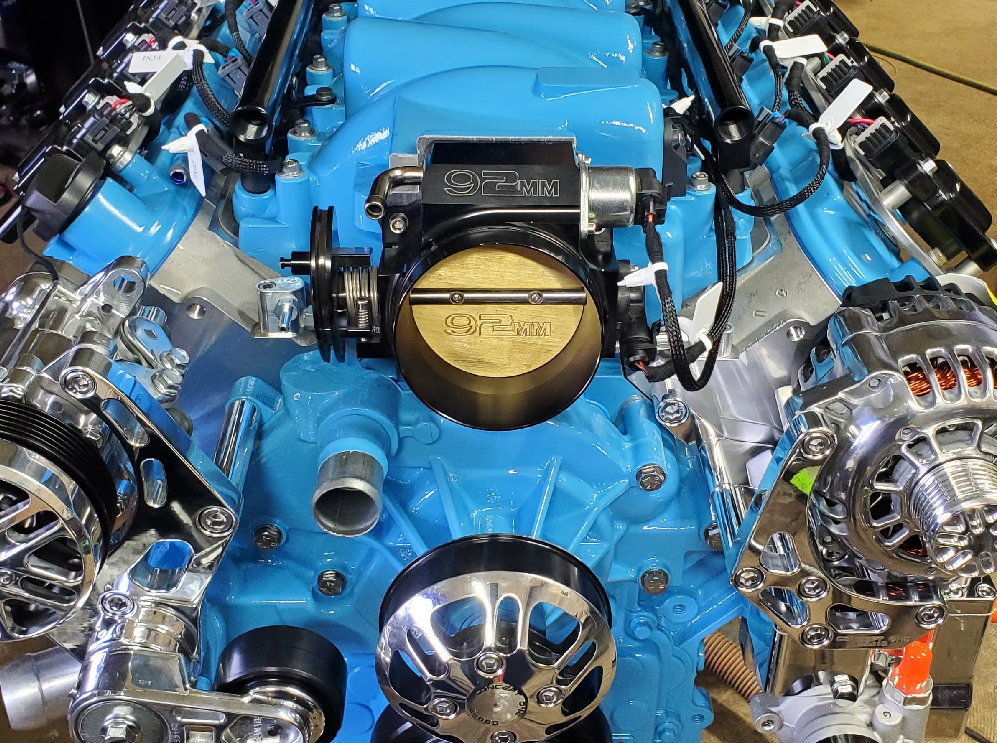
Did you know that not every Aces system is shipped with exactly the same Manifold Absolute Pressure (MAP) sensor? It’s true. Different systems have different part numbers for these little sensors, mounted on the front of the intake manifold, or side of the throttle body in some systems. Telling the system what MAP sensor is installed is crucial; if the wrong sensor is selected, it could give an incorrect pressure reading, causing the engine to run very lean or very rich.

The best way to determine which MAP sensor part you have is by reading the part number printed on the sensor housing. Once you know what MAP sensor is on your manifold, you can select it from the list during the Setup Wizard process:

But what if you’re not using one of Aces’ MAP sensors, and can’t find yours on the setup wizard list? Simply scroll to the bottom of the list and select “Custom 1-bar” or “Custom 3-bar” depending on the size of your sensor, and the system will do the rest.
If can’t find the MAP sensor, or aren’t sure which part number it is, get in touch with our support team. They’ll look over the manifest of your order and get you up and running in no time.
That’s all for now, Aces people. Until next time, happy tuning!

Leave a comment
This site is protected by hCaptcha and the hCaptcha Privacy Policy and Terms of Service apply.